
Make games as a 3D artist
/ CERTIFICATE PROGRAMME IN 3D FOR GAMES
A 60-week online programme that takes you from your first 3D model to a playable slice of a game, specialising in one of four disciplines along the way.
NEXT INTAKE
FEBRUARY 2027
DURATION
60 WEEKS
FORMAT
ONLINE
Built for the art side of game production
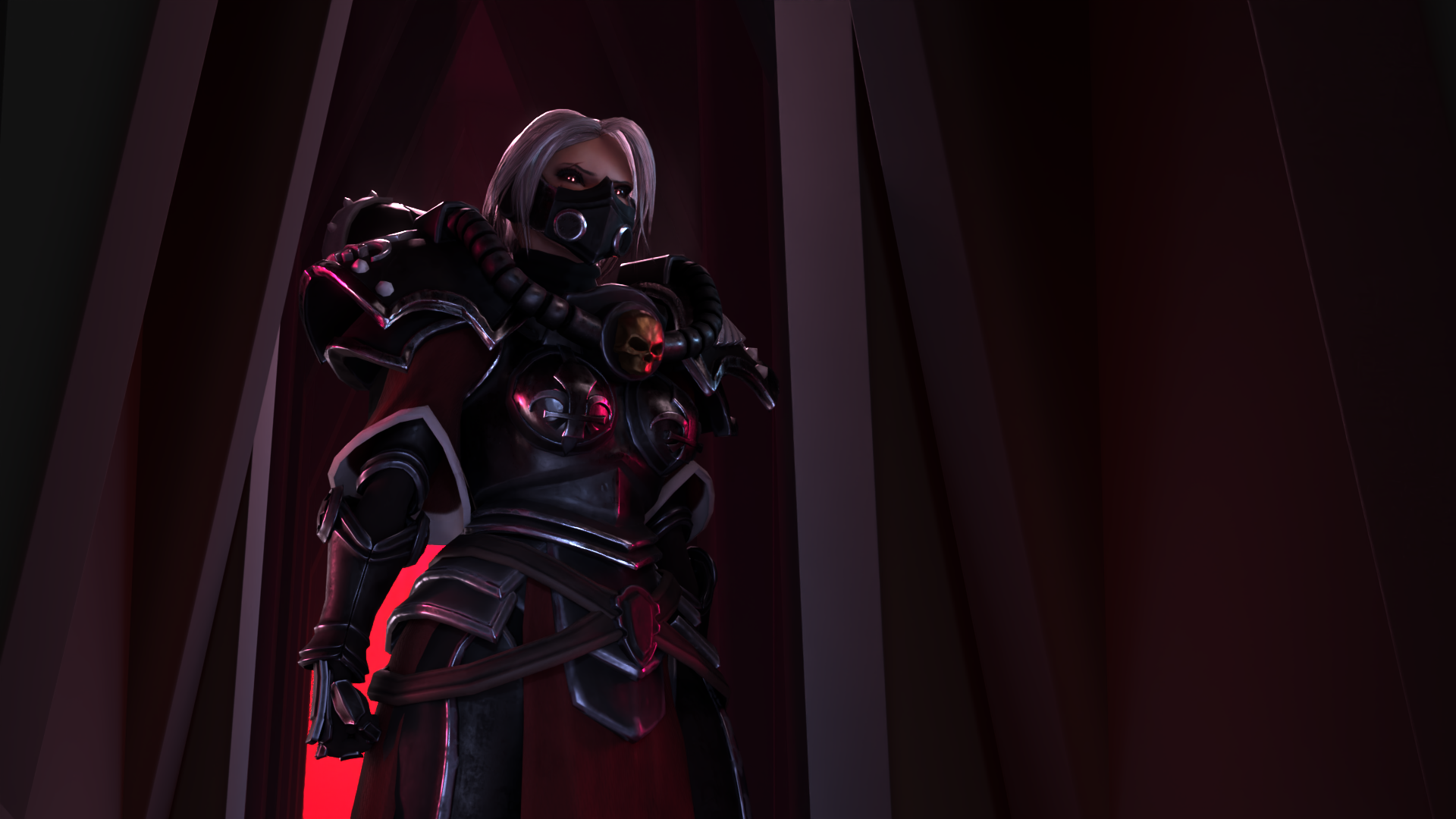
This is not a programming course, and it will not turn you into a game developer. It teaches 3D artists their part of how games are made: the models, rigs, animation and effects a game is built from, and how to get them working inside a real-time engine.
About half of the programme is spent building your own skills. The other half is spent making things with other students, because games are made by teams and being able to work well with others is something the industry looks for. Every term ends in a project, and each one is bigger than the last: an environment that tells a story in Term 1, a playable level in Term 2, and a vertical slice of a game in Term 3.
You finish with a portfolio in your chosen specialisation, and first-hand experience of how a small team takes an idea to something people can play.
Is this you?
You do not need to match all of these. If one sounds like you, this programme was built with you in mind.
- You like 3D and you play games, but you have no idea where to start, and the tutorials you have watched have not added up to anything.
- You know some 3D already, but your work stops at single renders and never becomes part of something playable.
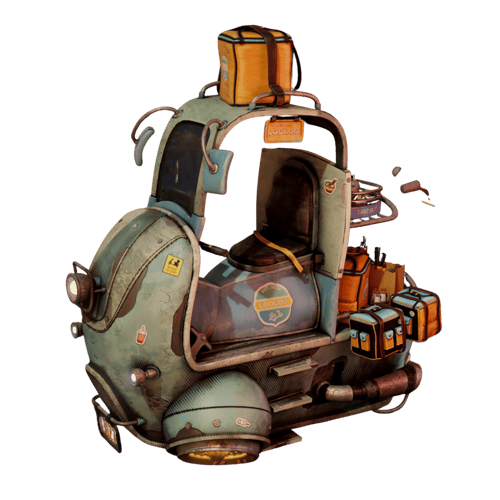
- You are curious about modelling, animation, rigging or effects, and you want to try them before you choose one.
- You are changing direction from another field and want structure, deadlines and people to work with, not another playlist.
- You want a portfolio that shows one clear skill, not a little of everything.
Why this programme
TAUGHT BY PEOPLE WHO HAVE DONE IT
You learn from instructors with industry experience, and the Term 3 masterclasses are delivered by working industry professionals.
STUDY ON YOUR SCHEDULE
Lectures are recorded, so you choose when you study. Plan for 15 to 20 hours a week. The fixed points are the weekly live feedback sessions on your work.
BUILD WITH A TEAM
Every term ends in a project made with other students, because that is how games are made. Learning to plan, divide the work and deliver together is something the industry looks for.
LICENCES INCLUDED
Maya, Houdini, Substance Painter and every other tool on the programme are provided for you. You do not pay for software on top of tuition.
TRY BEFORE YOU CHOOSE
You spend a week inside each of the four specialisations before you commit to one. You choose based on work you have actually done, not on a description of it.
Inside the programme
-
TERM 1 (20 WEEKS): FOUNDATIONS
Introduction to 3D · Try every specialisation · Unreal Engine · Project: a story you can walk throughEveryone starts in the same place. No previous 3D experience is needed.
Introduction to 3D · 5 weeks
The whole 3D pipeline, from first idea to final render: modelling, UV unwrapping, texturing, shading, lighting and rendering. You work in Maya and Substance Painter, and finish with a set of props you made yourself.
Try every specialisation · 5 weeks
One week inside each discipline: Animation, Tech Art, 3D Art, Procedural and Game Design. Each week has a short assignment, so you find out what the work actually feels like before you choose. At the end, you pick the specialisation you continue with.
Unreal Engine · 5 weeks
An introduction to the real-time engine used across the games industry. You build an environment from ready-made assets and learn to light and render it in real time.
Project: a story you can walk through · 5 weeks
Working with other students, you build an environment that tells a story as the player explores it, sometimes called a walking simulator. You learn the basics of Blueprint, Unreal's visual scripting, to make it interactive. This is your first portfolio piece.
-
TERM 2 (20 WEEKS): SPECIALISE
Game Design · Your specialisation · Project: a playable game levelGame Design · 5 weeks
A crash course in the language of games: terminology, audiences, core design, storytelling and project planning. You make paper prototypes, play them, and improve them, so you understand why a game works before you build one.
Your specialisation · 5 weeks
Focused classes in the discipline you chose at the end of Term 1. See the four specialisations below for what each one covers.
Project: a playable game level · 10 weeks
Working with other students, you design and build a level from an imagined larger game. It is made for a defined audience, it has characters, props and gameplay, and it delivers at least five minutes of play.
-
TERM 3 (20 WEEKS): CAPSTONE
Masterclasses · Your own project · Capstone: a vertical sliceEverything you make this term is made for your final portfolio.
Masterclasses · 5 weeks
Advanced classes in your specialisation, delivered by working industry professionals.
Your own project · 5 weeks
On your own, you define a project that pushes your specialisation further, plan it, and complete it, finding and learning what you need along the way.
Capstone: a vertical slice · 10 weeks
Working with other students, you build a vertical slice: a small, polished, fully playable section of a game that shows what the finished game would look and feel like. It runs to at least 25 minutes of play, and you prepare the pitch material to present it the way a studio would present a game to a publisher.
Choose your specialisation
3D Art
You make what the player sees, starting with characters. You learn digital sculpting, then anatomy, so what you sculpt is built on real structure rather than guesswork.
Term 2: digital sculpting
Term 3: sculpting and anatomy masterclass
Software: Blender
In studios: character artists
Tech Art
You build the systems that let other artists work: the rigs that make a character move, and the tools that support them. You learn rigging, facial rigging and skinning, then program your own rigging tools in Python.
Term 2: rigging, facial rigging and skinning, and an introduction to quadruped rigging
Term 3: Python scripting, an auto-rigger, and mechanical rigs
Software: Maya, Python
In studios: technical artists and riggers
Animation
You make characters move, and then you make them act. You learn the principles of keyframe animation, timing and weight, lip-sync, and then character performance.
Term 2: animation fundamentals
Term 3: acting and character performance
Software: Maya
In studios: gameplay animators and cinematic animators
Procedural
You build with systems instead of by hand: effects, simulations and assets generated from rules. It covers the kind of effects work usually called VFX. You learn node-based workflows, particles, and tools for hair and fur, then VEX scripting and procedural tools inside Unreal.
Term 2: procedural 3D, node-based workflows, particles, hair and fur
Term 3: VEX, in-game effects, and procedural work in Unreal
Software: Houdini, Unreal Engine
In studios: VFX artists, technical artists and procedural artists
How the teaching works
Lectures are recorded and available on demand, so you watch them when it suits you.
There are weekly live feedback sessions in the late afternoon or early evening (Central European Time), where your work is reviewed and you get direct critique on what you have made.
Between sessions, you work through the material and assignments on your own time. During team projects, you and your team arrange your own meetings.
Time commitment: plan for 15 to 20 hours a week. The more time you put in, the more you can expect to improve.
Time zone: the live sessions are in the late afternoon or early evening, Central European Time. Unsure if that fits where you live? Ask us before you apply.
Three projects, each bigger than the last
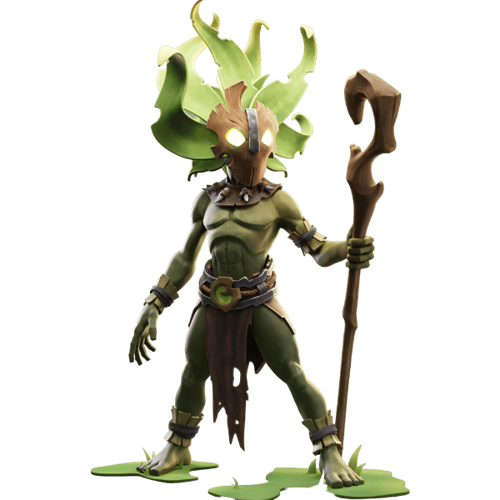
- Term 1: an environment that tells a story as the player walks through it
- Term 2: a playable game level with at least five minutes of gameplay
- Term 3: a vertical slice of a game, at least 25 minutes of play, with the pitch material to present it
Alongside them, the work from your specialisation courses and your own project in Term 3. Together that is a portfolio that shows one clear discipline, and shows you can do it as part of a team.
Where this work is used
The skills in this programme are used well beyond games. Animation, VFX, virtual production, advertising, architectural visualisation, simulation and interactive experiences all need artists who understand real-time pipelines.
In game studios, the four specialisations correspond to real roles: character artists, technical artists and riggers, gameplay and cinematic animators, and VFX and procedural artists.
What you do after the programme is your decision. Some students go on to further study. Some start applying with the portfolio they have built. Some keep making games with the team they built them with.
From CADA students
From students of CADA's onsite Digital Arts diploma.
My experience at CADA has been very fulfilling. CADA has helped me go from a basic skill set within 3D to a very advanced level. They helped me find my passion and supported me in pursuing it.
Freya Tuwel Rasmussen
The amount of knowledge I have learned about the principles and work methods within the world of 3D here at Copenhagen Academy of Digital Arts is immeasurable.
Especially the teachers at the school who's previously worked in the industry has given me invaluable insight and know-how and what to expect when we enter the industry in the future."
Christian Just Skjøt
Attending CADA has been a transformative experience. I discovered that going to school doesn't have to be draining, it can be revitalizing and fun! Along the way, I made lifelong friends and valuable industry connections.
Marie Alsing
Signe Harremoës Feldstein
Studying at CADA has allowed me to explore a side of myself I’ve always wanted to know. Learning the many kinds of creativity that 3D has to offer, alongside like-minded people has been exactly what I needed to find my passion. Everything from the competitions to the collaborations has made me a better artist and team player.
Simon Kaarfast
At CADA, I was provided with a class full of like-minded people that I could learn and grow with. Being part of a community is very helpful when you're first starting out, as it also facilitates a lot of feedback.
Gregers Berth



Frequently Asked Questions
Do I need any 3D experience?
No. The programme starts from the beginning, and the first five weeks cover the whole 3D pipeline, from modelling to rendering. Basic computer skills are all you need. If you already know some 3D, the early weeks will move faster for you, but the projects will still stretch you.
Do I need a portfolio to apply?
No. You do not need a portfolio to apply. We ask for a short motivational letter, one page at most, so we understand your background and what you want from the programme.
How much time will it take each week?
Plan for 15 to 20 hours a week. The more time you put in, the more you can expect to improve. The fixed points are the weekly live feedback sessions in the late afternoon or early evening (Central European Time); the recorded lectures and assignments fit around your own schedule.
How is my work assessed?
Your work is reviewed every week in the live feedback sessions. Each course ends with a final hand-in, and each term's project is assessed at the end of the term.
Is the programme taught in English?
Yes. All teaching, feedback and project work is in English, so you need to be comfortable reading, writing and discussing your work in English.
Is it live or on demand?
Both. Lectures are recorded and available on demand, so you watch them when it suits you. There are weekly live feedback sessions in the late afternoon or early evening (Central European Time), where your work is reviewed and you get direct critique.
Can I study at my own pace?
Lectures are on demand, so you can fit them around your week. We recommend following the CADA schedule, because the team projects work best when everyone is at the same stage. If you move at your own pace, we cannot guarantee teammates at the same point as you.
Do I have to work in a team?
We strongly recommend it. Group work is at the heart of the programme, because games are made by teams and the industry values people who can work well with others. You can do the projects alone, but it means significantly more work, because you cover every role yourself.
What software will I use, and do I need to buy it?
You do not need to buy anything. CADA provides all software licences. You will use Maya, Substance Painter and Unreal Engine throughout, Houdini for procedural work, Blender for sculpting in 3D Art, and Python in Tech Art.
Can I publish or sell what I make on the programme?
It depends on the software. The paid tools on the programme are provided on educational licences, which do not allow commercial use of what you make with them. Free tools such as Blender and Unreal Engine have their own licence terms, so check those before you publish or sell anything.
What computer do I need?
A Windows PC that meets the specification below. The Procedural specialisation uses Houdini, which needs more memory and graphics memory than the rest of the programme, so it has a higher requirement. You are responsible for having a computer that meets these specifications.
Everyone:
- Windows 10 (22H2) or Windows 11, 64-bit
- Quad-core processor, 2.5 GHz or faster
- 16 GB RAM
- NVIDIA graphics card with 8 GB of video memory
- 250 GB of free SSD space
Procedural specialisation:
- 32 GB RAM
- NVIDIA graphics card with 12 GB of video memory
Can I use a Mac?
An Apple Silicon Mac (M1 or later) will run the software, but Unreal Engine performs noticeably worse on macOS than on Windows, and much of the programme is built in Unreal. We recommend Windows. Intel-based Macs will not work, because Houdini no longer supports them.
When does it start, and is there a deadline?
The next intake starts in February 2027. There is no fixed deadline: admission is rolling, and places are filled first come, first served among qualified applicants, so apply once you have decided.
How do I reserve my place?
Once you are accepted, you pay a registration fee of EUR 335, on top of tuition, which secures your place in the next intake. The registration fee is non-refundable.
Can I pay in instalments?
Yes. You can pay in full, per term, or monthly over 12 months, and the instalment plans are available to students outside the EU as well. The amounts are in the tuition section above.
Is there an age limit?
No. The programme has no age limit. We welcome students at any stage of life who want to work in 3D for games.
ADMISSION REQUIREMENTS
How to apply
STEP 1: SEND YOUR APPLICATION
Fill in the application form with a short motivational letter, one page at most. It tells us about your background and what you want from the programme. No portfolio needed.
STEP 2: BOOK YOUR ADMISSIONS MEETING
After you apply, you are taken straight to book a meeting with our admissions team. It is your chance to ask questions and make sure the programme is right for you.
STEP 3: SECURE YOUR PLACE
Once you are accepted, pay the non-refundable EUR 335 registration fee, on top of tuition, to secure your place in the February 2027 intake.
-1.png?width=500&height=500&name=Website%20Image%20(1)-1.png)
Apply Now
Still not sure if you are ready?
Start with the free 3D Bootcamp. Over three weeks of live online sessions with a CADA instructor, you build your first 3D scene in Blender and then walk around it in Unreal Engine. No experience is needed. You get a feel for how we teach before you decide anything about the programme.
Talk to admissions
Send us a message or book an admissions meeting below.